(and hotkey wizards too)
Stop watching terminals spin
MouseTerm tracks activity the same way you do — visual motion. When a pane stops changing for two seconds, it marks the task complete and alerts you.
Works with any CLI tool that prints to a terminal — no plugins, no configuration.
Copy paste like you meant
Click and drag in a "mouse conformant" terminal doesn't select text; it sends escape code \e[<0;x;yM. And Ctrl+C doesn't copy; it asks your program to kill itself.
MouseTerm lets you copy paste like a human, not a terminal.
Soft as a mouse, sharp as tmux
Run builds, agents, servers, and scripts side by side. Minimize the ones you're not watching to a compact status indicator. Every pane keeps running and every alert still fires whether you can see it or not.
Do it all with the mouse, or keep your hands on the keyboard with tmux keybinds.
Get MouseTerm
The multitasking terminal for mice.
 Try it in the Playground
VS Code Extension
Also works in Cursor, Windsurf, Antigravity, or any other VS Code fork.
Standalone App
Don't settle for your operating system's built-in terminal, get a nice one!
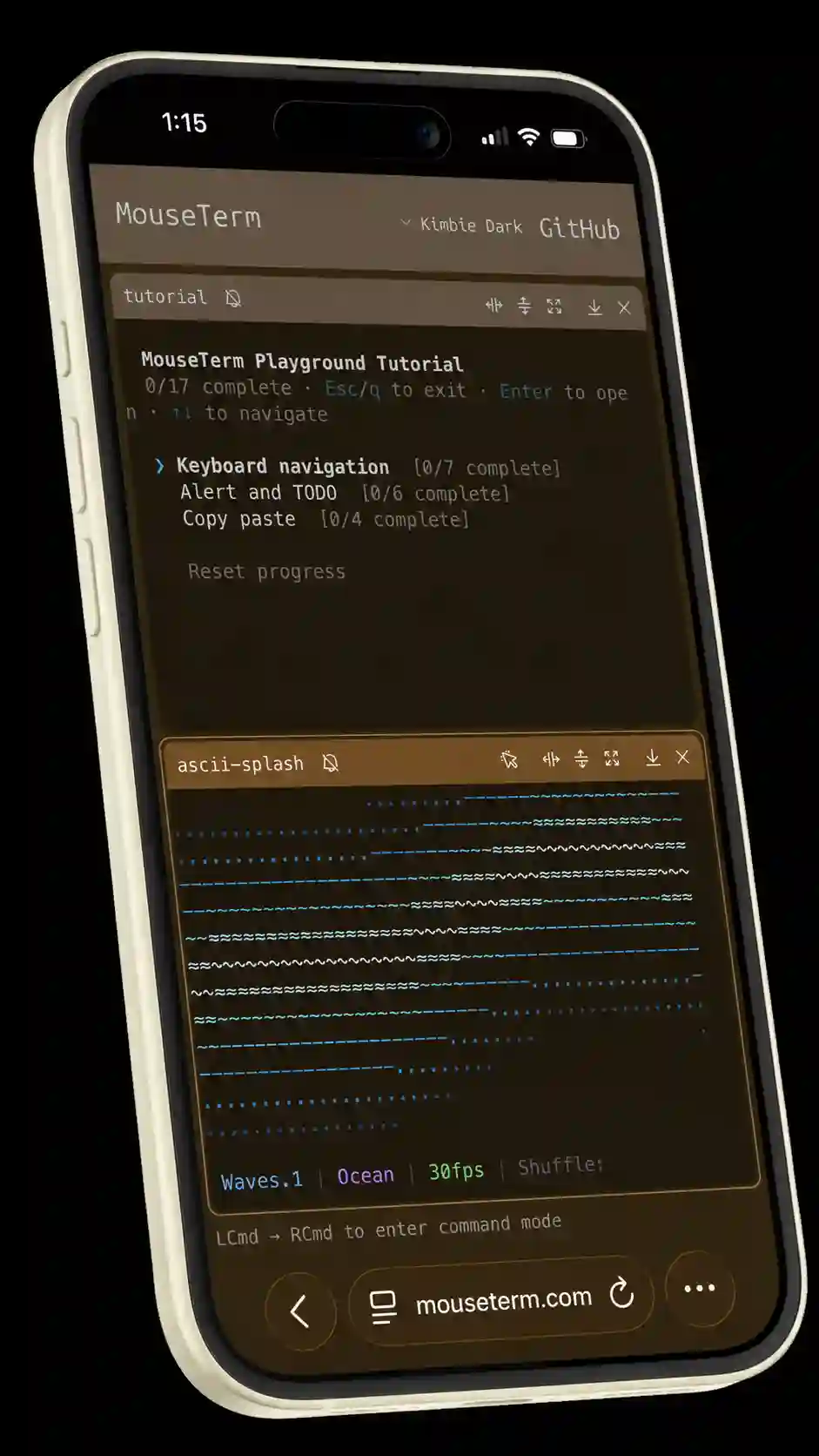
Walk away. Keep going.
Coming next: Roam. Pair a terminal session to your phone over WebRTC and take a stroll, the MouseTerm alert system will buzz you if there's anything to do. A hosted auto-pairing service comes later — just leave and keep working, no "I'm walking away" dance.
Open source and free to self-host, or pay us a little bit and you can use ours. We'll discount for early adopters, so don't miss out!
This signs you up for my personal devlog nedshed.dev on Substack. The next post will be the launch post, you can unsubscribe any time.